
Intel Mac? The Mac App Store app only runs on Apple Silicon Macs (M1, M2, M3, M4 or later). On an Intel Mac the App Store shows Not compatible with this device whatever version of macOS you have, and updating macOS will not change that. Check under the Apple menu > About This Mac. Intel Macs should follow VPN on Intel Macs for the manual setup instead.
The Liberty Shield VPN app for Mac installs from the Mac App Store in a couple of minutes.
Install and sign in
-
Open the App Store on your Mac and search for Liberty Shield VPN (or use the link on our Downloads page).
-
Click Get then Install, and open the app.
-
Sign in with your Liberty Shield username and password — the same login as www.libertyshield.com.
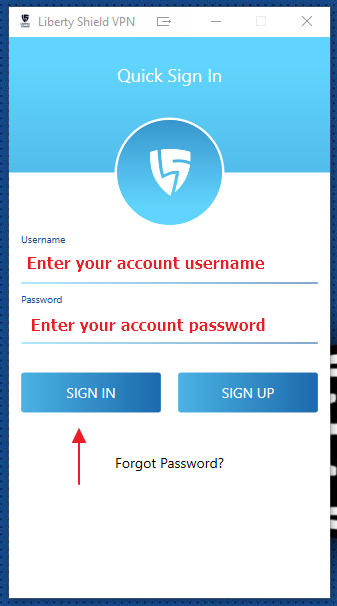
The Quick Sign In screen.
Connect
-
Click the red shield to connect.
-
First time only: macOS asks permission to add VPN configurations — click Allow.
-
The shield turns green — you're connected. Click again to disconnect.
-
To change country: disconnect, pick a server from the Server Location list, reconnect.
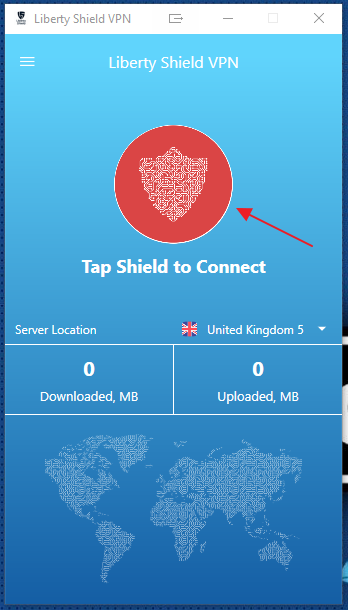
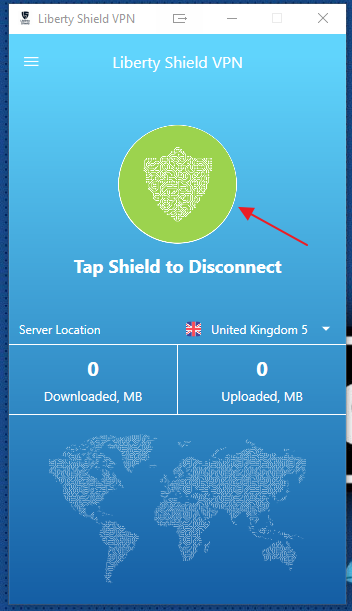
Red shield = disconnected, green shield = connected.
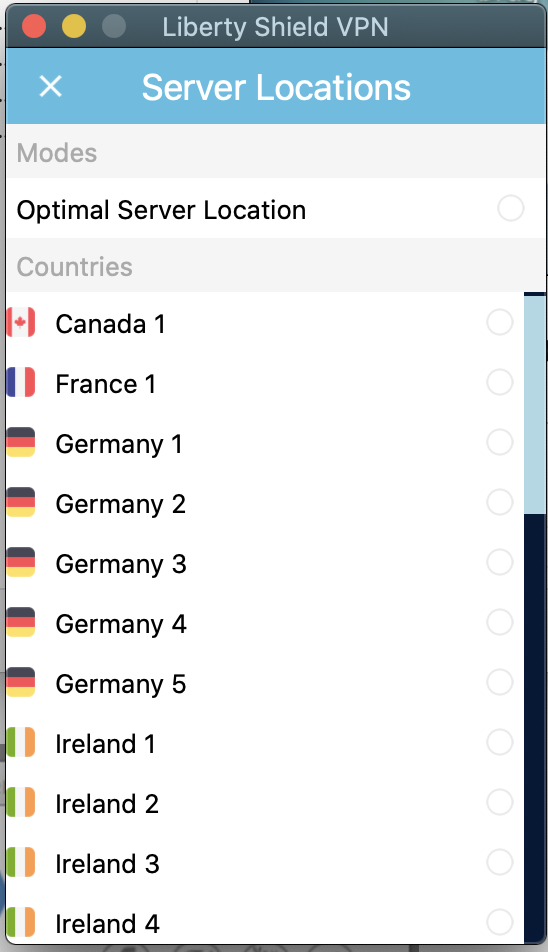
The Server Locations list.
Quick troubleshooting
-
Won't connect? Reset your password on the website and sign in again — fixes most cases.
-
Streaming service disagrees about location? Disable IPv6: System Settings > Network > your connection > Details > TCP/IP > Configure IPv6: Link-Local Only.
Greg
Comments