
If our support team suggests a remote session, we connect to your computer screen (with your permission, while you watch) to fix configuration issues directly.
-
Remote sessions are available 10am–4pm UK time, 7 days a week — please pre-book a slot with support so a technician is ready.
-
We’ll send you a link and simple instructions when your session starts.
-
You can see everything we do and can end the session at any time.
Starting your session
Just before the agreed time, download and install the TeamViewer application by clicking the button below:

A download should start automatically — install the remote support software on your PC or Mac.
Once installed, a new window shows your ID and Password:
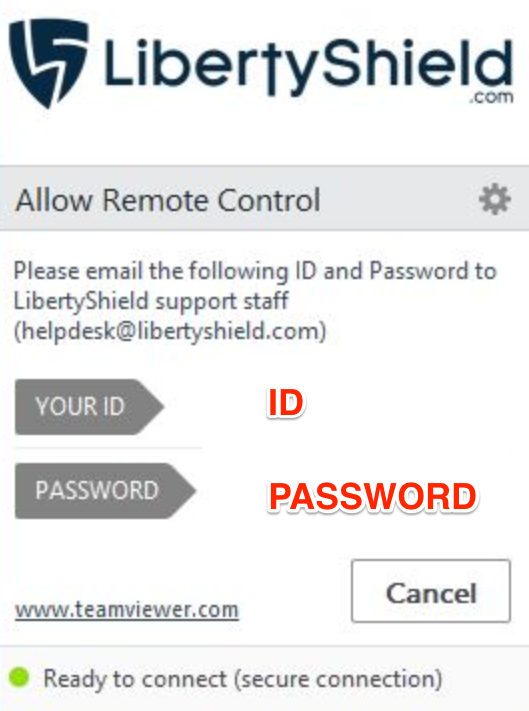
Reply to the ongoing support thread with this ID and password, or email it to helpdesk@libertyshield.com.
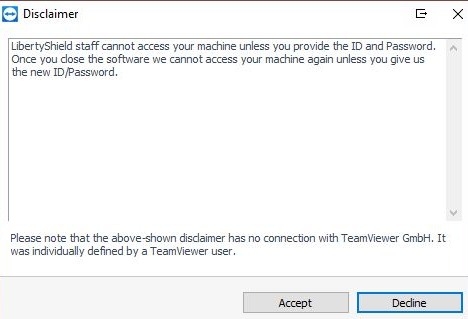
Important: leave the window showing your ID and Password open so staff can access your machine. Once the session ends you can close the software — we cannot access your machine again unless you provide a new ID and Password.
If you have any issues, please email us at helpdesk@libertyshield.com.
Greg
Comments